Skip to content
Back to portfolio
Hexis pluginNew

Hexis Barrows

Six brothers. One chest. Ready to go again.

Take Barrows from the bank to the reward chest and back into the crypts. Hexis builds a setup from your gear, fights all six brothers, handles the tunnels and learns when your supplies can support another run.
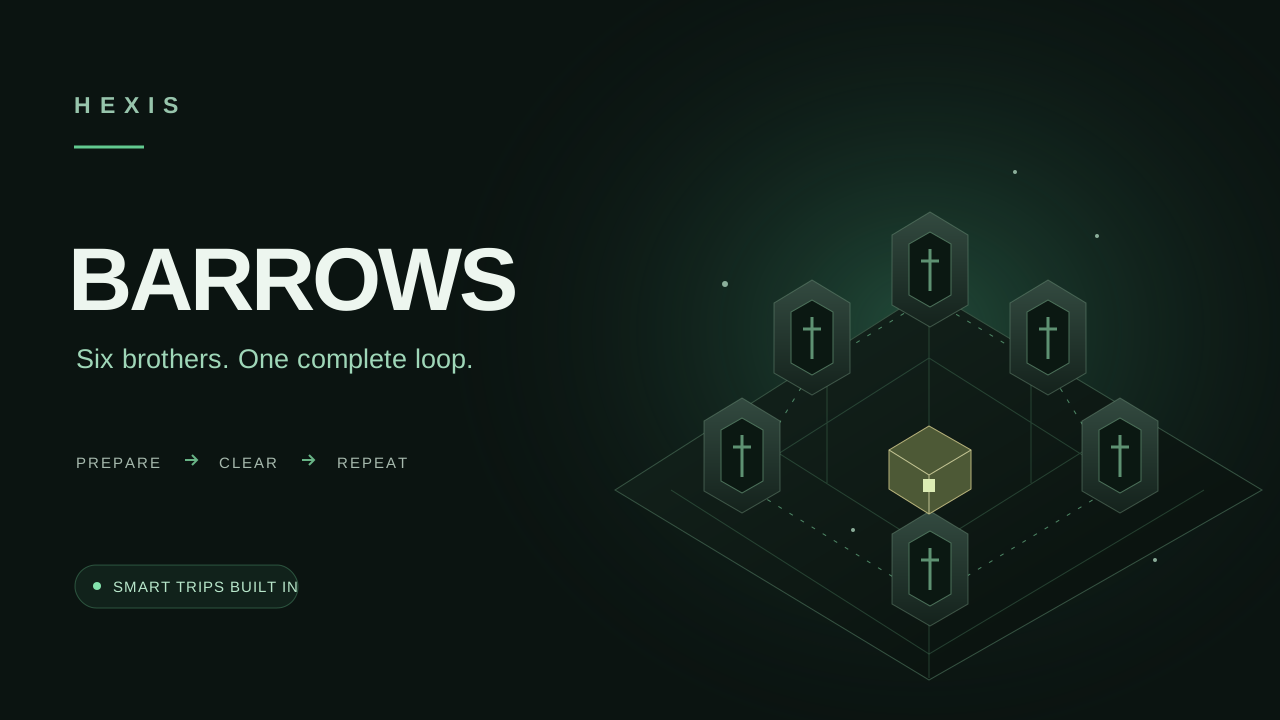
Hexis Barrows promotional artwork

Built from your bank

Generated Magic gear and a Ranged switch for Ahrim, with optional saved equipment for each brother.

The whole Barrows loop

Mounds, brothers, tunnels, puzzles and chest collection work together as one complete run.

Know when to go again

Smart Trips learns supply use and decides when to repeat, restore or return to the bank.

Hexis Barrows

Interactive Quick Setup preview

Explore your setup

Step 1 · Welcome

Six brothers. Your setup.

Explore the same choices as the Barrows Quick Setup wizard, from generated equipment to the next bank trip.

01

Gear for every brother

Start with generated Magic and Ranged sets, or select your own saved equipment.

02

Supplies with a purpose

Choose food, prayers and boosts. Travel items and runes are planned around your account.

03

A smarter return trip

Complete a chest, restore when needed and repeat when the supplies support it.

In the client, log in and open your bank once before Quick Setup. This web preview explores your preferences; it does not read your bank or change your settings.

01

Every crypt accounted for

Choose the rhythm of the run while Hexis handles the work between the mounds and the chest.

  • Automatic, Fastest and Clockwise mound rotations
  • Leaves the tunnel brother for the underground encounter
  • Navigates tunnel doors and solves all four puzzle families
  • Optional strange old lockpick support
  • Prioritise uniques or build reward potential for resources
02

Your gear, put to work

Start with the equipment your account owns, then tailor individual fights through Hexis Manager.

  • Generates Magic and Ranged sets at the bank
  • Chooses a supported powered weapon or usable Wind spell
  • Optional saved equipment loadouts for any brother
  • Configurable protection and offensive prayer behaviour
  • Food, prayer restores, potion boosts and owned hearts
03

More than a chest run

Preparation and the return journey are part of the same plan.

  • Automatic travel based on the routes your account can use
  • Restoration through a trusted house or Ferox Enclave
  • Repeat trips using Barrows tablets or a known house Barrows portal
  • Optional Grand Exchange supply restocking and supported weapon charging
  • Chest limits, bank-safe breaks and session progress tracking

Quick start

From setup to running

A short checklist based on the plugin’s current Bot Client instructions.

  1. 1Enable Hexis Manager and Hexis Barrows in Bot Client.
  2. 2Log in and open your bank so the client can read your equipment and supplies.
  3. 3With Barrows stopped, open Quick Setup. Keep generated gear or choose saved equipment for individual brothers.
  4. 4Choose prayer, supplies, reward priority and Smart Trips preferences.
  5. 5Review the account-specific equipment, inventory and travel plan. Resolve any requirements, apply and start.