Skip to content
Back to portfolio
Hexis pluginPopular

Hexis Gemstone Crab

A training dummy that becomes a complete combat session.

Train melee, ranged or magic against Varlamore’s Gemstone Crab while the plugin manages attack styles, supplies, prayers and the valuable shell cycle. It can restock from saved loadouts and move between sites when a crab is spent.
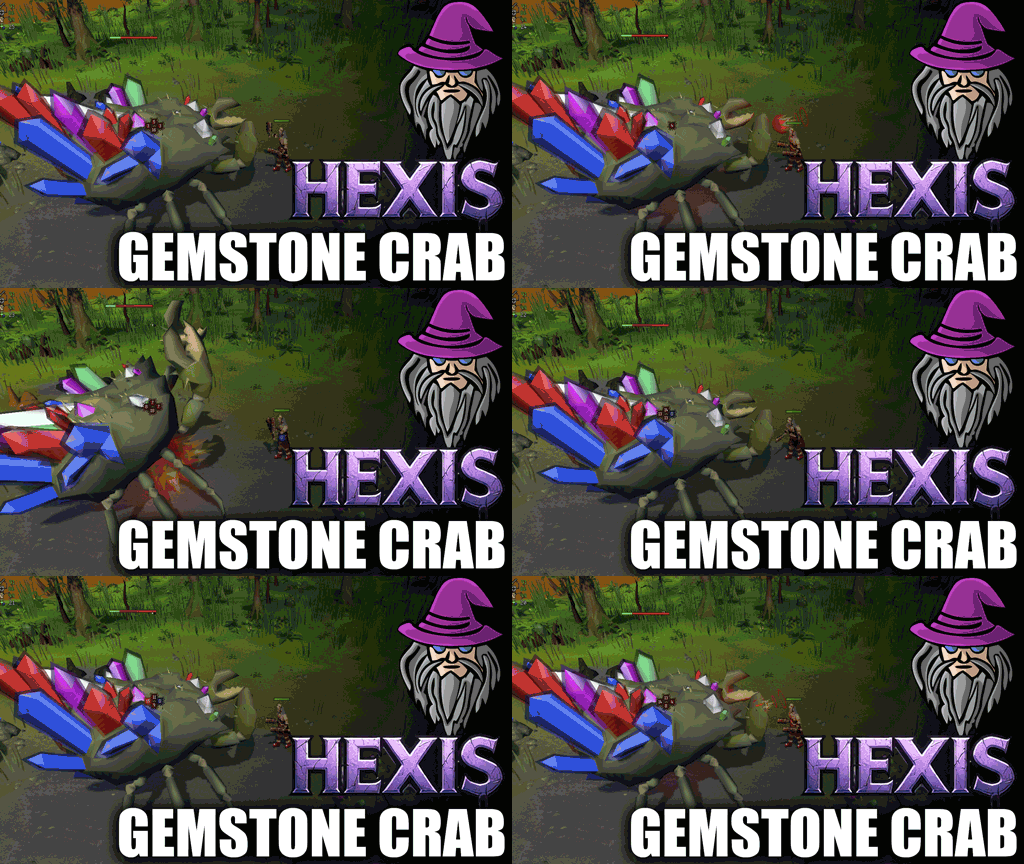
Hexis Gemstone Crab promotional artwork

Five training styles

Attack, Strength, Defence, Ranged and Magic are each one selection away.

Loadout-driven

Saved gear and inventory profiles turn banking into a precise restock.

More than combat XP

Mine the shell, process gems and add optional Crafting experience.

01

Flexible combat from one panel

Change the goal without rebuilding the entire setup.

  • Automatically sets the attack style for the skill being trained
  • Chooses the strongest castable spell or supports manual selection
  • Understands powered staves and defensive casting
  • Uses a chosen special-attack weapon or the best one carried
02

Sustainable sessions

Health, boosts, ammunition and prayer are managed as parts of one loop.

  • Food thresholds, combat boosts and prayer-restoration controls
  • Quick-prayer or zero-drain prayer-flicking modes
  • Safe Dharok’s support using a Dwarven rock cake
  • Banks at Tal Teklan and restores saved loadouts
03

Own the shell cycle

The plugin follows the crab beyond its combat phase.

  • Recognises whether your damage earned the shell
  • Mines exposed shells and handles gems by level
  • Cuts gems, fills a gem bag or drops unwanted output
  • Moves between all three fight sites when required

Quick start

From setup to running

A short checklist based on the plugin’s current Bot Client instructions.

  1. 1Create gear and inventory profiles in Hexis Loadouts.
  2. 2Choose the combat skill or spell style to train.
  3. 3Configure food, boosts, prayer and special attacks.
  4. 4Select how gems should be handled.
  5. 5Start near a Gemstone Crab or its supported bank.